No Breachday account required.
What participants need
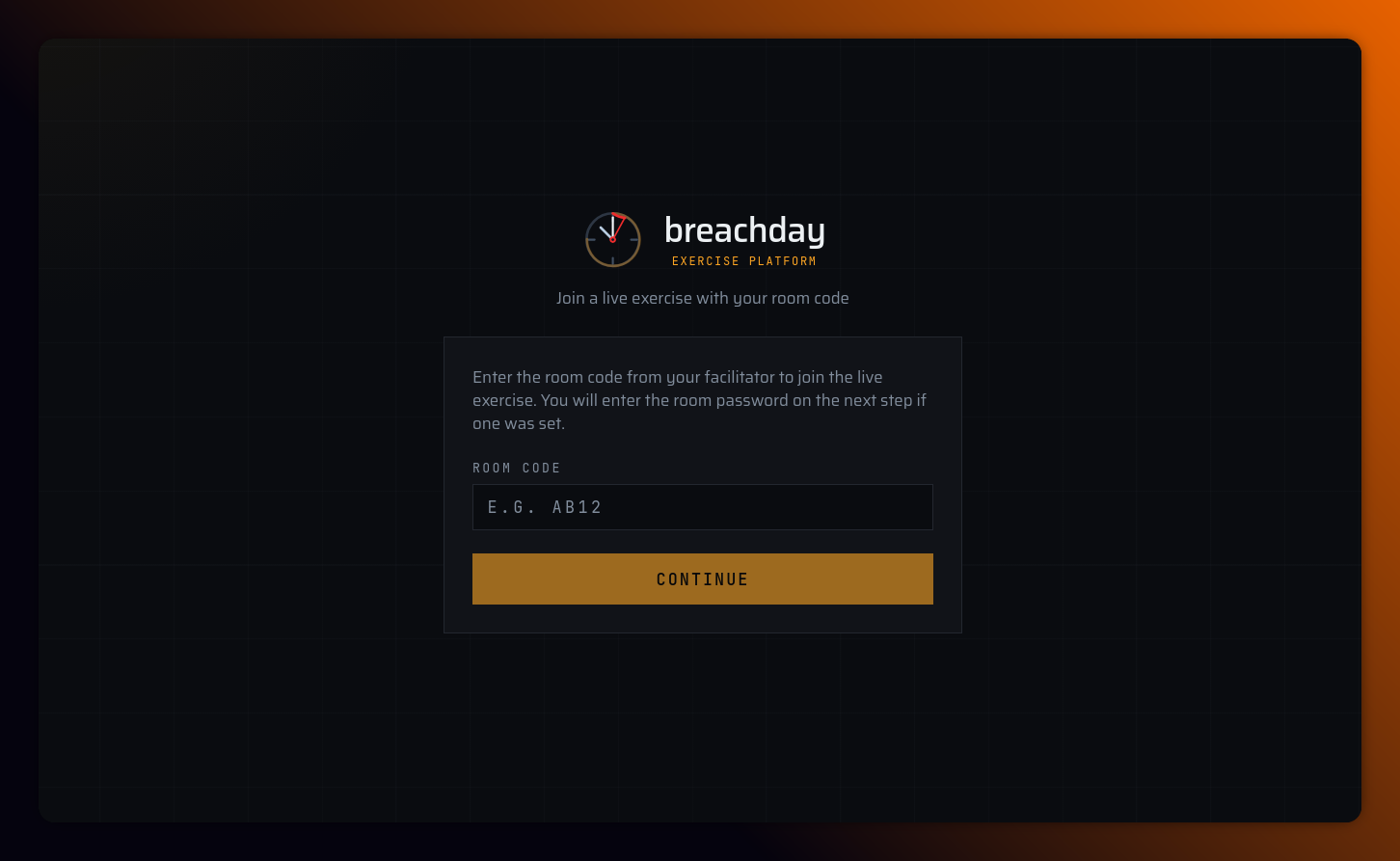
- Room code (4–6 alphanumeric characters, e.g. AB12)
- Room password (minimum 8 characters)
- Both from facilitator via separate channels
Join URLs
- Entry: https://app.breachday.io/join
- Direct: https://app.breachday.io/join/{roomCode}
- Live room: https://app.breachday.io/room/{roomCode}
Step-by-step
  Join page ──▶ Enter code ──▶ Enter password ──▶ Lobby open?
                                              │
                         No ◀────────────────┘
                          │
                    "Lobby not open"
                          │
                         Yes
                          ▼
                   Choose role seat
                          │
              ┌───────────┴───────────┐
              ▼                       ▼
        Rejoin as name          Join as new person
              │                       │
              └───────────┬───────────┘
                          ▼
Live room- Go to join page or open join link
- Enter room code
- Enter room password → Continue
- If lobby closed: "The lobby is not open yet. Ask your facilitator to open the lobby."
- Choose role — expand a participant role seat (e.g. Incident Commander)
- Either:
- Rejoin as {name} if previously Away, or
- Join as new person → enter first and last name → Join
- Redirected to live room
For the best experience, join from a laptop rather than a phone.
Presence rules
- In session — name taken; others cannot select it
- Away — can rejoin as that identity
- Already in session on this device → opens room without re-joining
What participants see
| Session status | Experience |
|---|---|
| LOBBY | "Waiting for facilitator" — keep tab open |
| ACTIVE / PAUSED | Exercise timer, phase progress bar, scenario context, per-phase business context, active inject with response forms, playbook viewer (if attached) |
| COMPLETED | "Exercise ended" + optional hotwash feedback form |
Late join: Once exercise is ACTIVE or PAUSED, lobby gate no longer blocks (only LOBBY checks lobby-open flag).
Participant limits: Starter 15 · Plus 30 · Pro 60 participants per exercise